 Exchange Ranking
 Top Exchanges
 24h Volume Ranking
 Popularity Ranking
 Exchange BTC Balance
 Proof of Reserves
 Decentralized Exchanges
 Funding Rate
 Funding Heatmap
 Liquidation Data
 Max Pain
 Long/Short Ratio
 Whale L/S Ratio
 Binance/Okex/Huobi L/S
 Bitfinex Margin L/S
 ETF Tracker
 Solana ETF
 XRP ETF
 Hong Kong ETF
 Bitcoin Treasuries
 Crypto Reversal
 Ethereum Reserves
 HyperLiquid Wallet Analysis
 Hyperliquid Whale Watch
 Large Transactions
 On-chain Movement
 Bitcoin ROI
 Stablecoin Market Cap
 Options Analysis
 News
News Articles
 Economic Calendar
 Features
 Wallet
 Contract Calculator


 Security
 Collections
 Watchlist
 Following
 BTC
BTC Are you curious about how long it takes to withdraw and recharge Bitcoin? Since Bitcoin\'s block time is approximately 10 minutes and the number of confirmations per transaction may vary, Bitcoin transactions are usually slower than some fast blockchains. Understanding the reasons for these delays can help you better anticipate the timing of Bitcoin transfers and make more reasonable arrangements!

Why does Bitcoin transfer take time?
Bitcoin generates a new block approximately every 10 minutes. Transactions need to be confirmed to be safe, and the number of confirmations is usually 1 to 6 times, depending on platform requirements. This design ensures security, but transactions are relatively slow and stable.
How long does it take to actually transfer money?
A confirmation takes approximately 10 minutes. Exchanges typically require 3 to 6 confirmations, which means that withdrawing or recharging can take 30 to 60 minutes. When the network is congested, waiting times can increase significantly. In contrast, Ethereum can usually complete confirmation in 1 to 5 minutes.
Bitcoin transaction disclosure: Why wait 10 minutes?

1. The 10-minute transaction wait is actually the average block time carefully designed by Satoshi Nakamoto. This time is not absolute and may actually be faster or slower, but it takes 1 hour for 6 confirmations. At this time, the probability of reversal is almost zero, and the transaction security reaches an absolute level.
2. Imagine if miners were on Mars and the signal was delayed by 20 minutes. To compensate for this delay, the interval between blocks would need to be lengthened accordingly.
3. In different scenarios, the requirements for transaction confirmation are different. High-risk scenarios (such as large-amount transfers) must wait for confirmation before payment to ensure the safety of funds; while low-risk scenarios (such as supermarkets and physical stores) support zero-confirmation transactions, it should be noted that zero-confirmation transactions can be held accountable after being stolen. Special scenarios such as vending machines require special verification mechanisms to prevent double flower attacks.
4. There may be various reasons why transactions do not arrive, such as client not being synchronized, transactions not being packaged, handling fees are too low, too many UTXO fragments, or network congestion. Understanding these reasons will help you better investigate problems.
5. The core formula of handling fee is: handling fee = transaction volume (bytes)× rate. This formula is simple and clear, but the logic behind it is quite complex. The level of the handling fee directly affects the speed of transaction confirmation, so setting the handling fee reasonably is a skill that every Bitcoin user needs to master.
6. Here are the tips to save money! Combining change can reduce the volume of transactions. Select the \"low-speed\" mode when you are not in urgent need (usually the handling fee may be reduced by 50% late at night), but be aware that zero handling fees may be stuck for 3 days and automatically cancelled. These tips can help you better manage your wallet.
7. It is normal for Bitcoin addresses to always change, and a new address will be generated for every transaction. This is both a reflection of Bitcoin\'s security and the foundation of its anonymity.
8. The client needs patience to synchronize for the first time, because it needs to download the complete blockchain (400GB+!), This may take hours to days. Acceleration solutions include replacing SSD hard drives or using a light wallet (such as Electrum), which can significantly increase synchronization speeds.
9. Quick answer to high-frequency questions: Computer shutdown does not affect collection; physical stores rely on monitoring and laws to prevent double flower attacks, while vending machines require special verification; the transaction will be automatically cancelled 3 days after the fee payment is less, and the funds will be returned the same way. This knowledge will make you more comfortable in Bitcoin transactions.
10. Transaction security instructions: You must wait for 6 confirmations for large transfers. Daily small amounts can be used for zero confirmation but risk control measures must be combined; regular backup of wallet files to prevent accidents. These security advice will help you protect Bitcoin assets.
11. Cold knowledge time: During the bull market in 2017, the handling fee was as high as US$50/transaction; now it is usually only US$0.5 -5 after optimization. Looking back on history, we can cherish the convenience and benefits of Bitcoin transactions today.
Why do exchange processes increase delays?
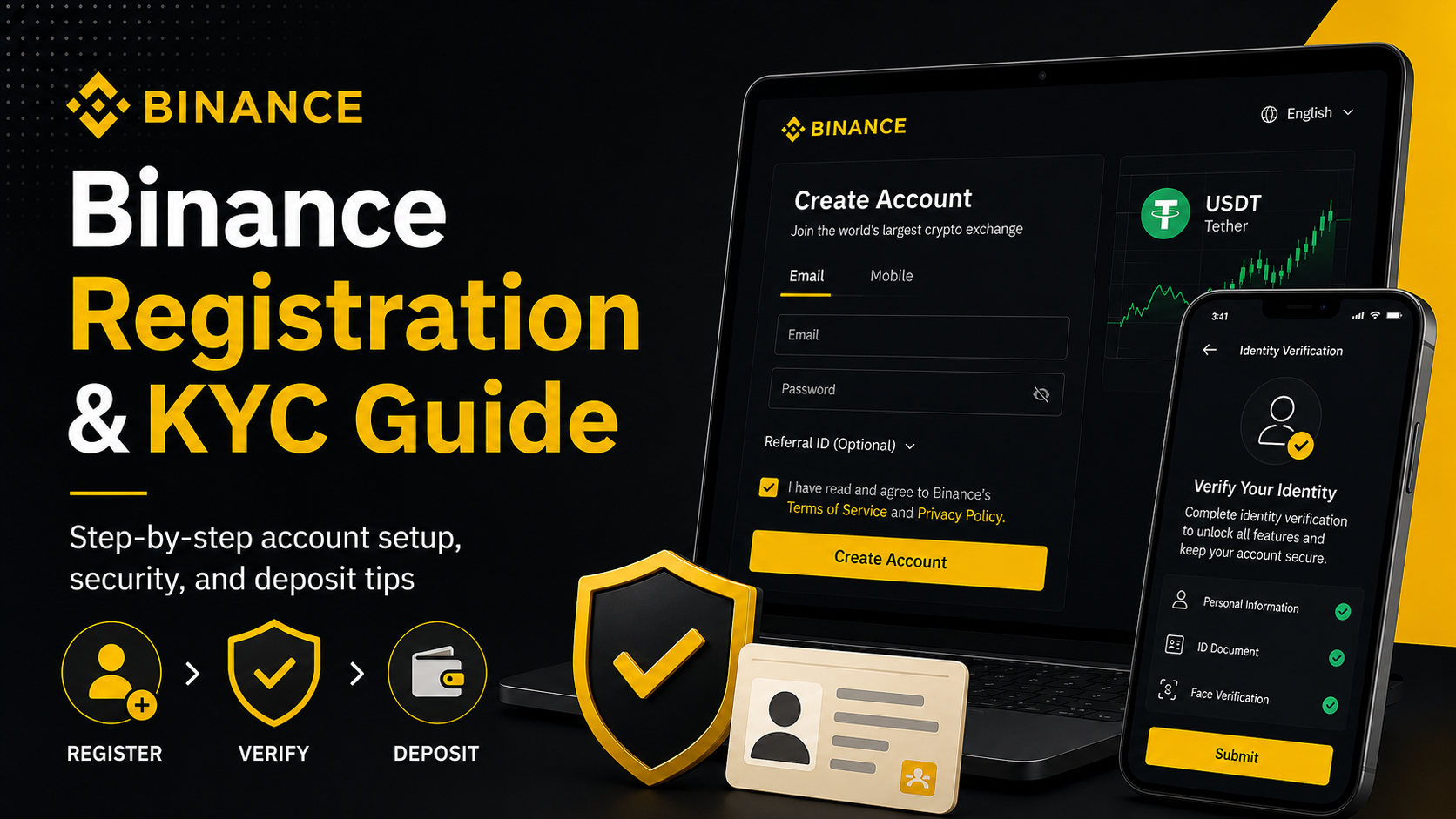
The centralized exchange will implement additional security measures. Even if the blockchain is confirmed, internal auditing and authentication (KYC) can increase processing time, making withdrawals that can take hours or even a day.
How to accelerate Bitcoin transactions?
You can speed up confirmation by paying higher miner fees to increase transaction priority. Another way is to use Lightning Network to achieve fast and low-cost offline transfers, but this requires opening channels and using compatible wallets.
How to withdraw Bitcoin?
It is relatively simple to withdraw Bitcoin from a wallet. Investors need to ensure that the withdrawal address is filled in correctly and that the network selection is consistent. The following is a specific tutorial on withdrawing coins to a Bitcoin wallet on the Euri Exchange:
1. Open the Eurasian Exchange, click [Asset Management] on the home page and select [Withdrawal] to enter the withdrawal page

2. Select the currency [BTC] on the withdrawal page, select the withdrawal method [On-Chain Withdrawal], click Next

3. Enter the withdrawal address in step 4 at the withdrawal details, select Bitcoin for the withdrawal network, and click Next for the amount (note that the withdrawal network and recharge network need to be selected in the same manner. Otherwise, assets may be lost)

4. Open the Bitpie wallet, select BTC, click Collect, copy the wallet address, fill in it in the BTC address/domain name in step 3, and then you can recharge.

Summary
Bitcoin transfers are not instant. Under normal circumstances, it takes 30 minutes to 1 hour to withdraw cash and recharge, and may be longer when there is congestion or when using the exchange. If speed is crucial, consider Lightning Network or other fast public chains. But for users pursuing security and decentralization, waiting is one of the tradeoffs in Bitcoin\'s design.