 Exchange Ranking
 Top Exchanges
 24h Volume Ranking
 Popularity Ranking
 Exchange BTC Balance
 Proof of Reserves
 Decentralized Exchanges
 Funding Rate
 Funding Heatmap
 Liquidation Data
 Max Pain
 Long/Short Ratio
 Whale L/S Ratio
 Binance/Okex/Huobi L/S
 Bitfinex Margin L/S
 ETF Tracker
 Solana ETF
 XRP ETF
 Hong Kong ETF
 Bitcoin Treasuries
 Crypto Reversal
 Ethereum Reserves
 HyperLiquid Wallet Analysis
 Hyperliquid Whale Watch
 Large Transactions
 On-chain Movement
 Bitcoin ROI
 Stablecoin Market Cap
 Options Analysis
 News
News Articles
 Economic Calendar
 Features
 Wallet
 Contract Calculator


 Security
 Collections
 Watchlist
 Following
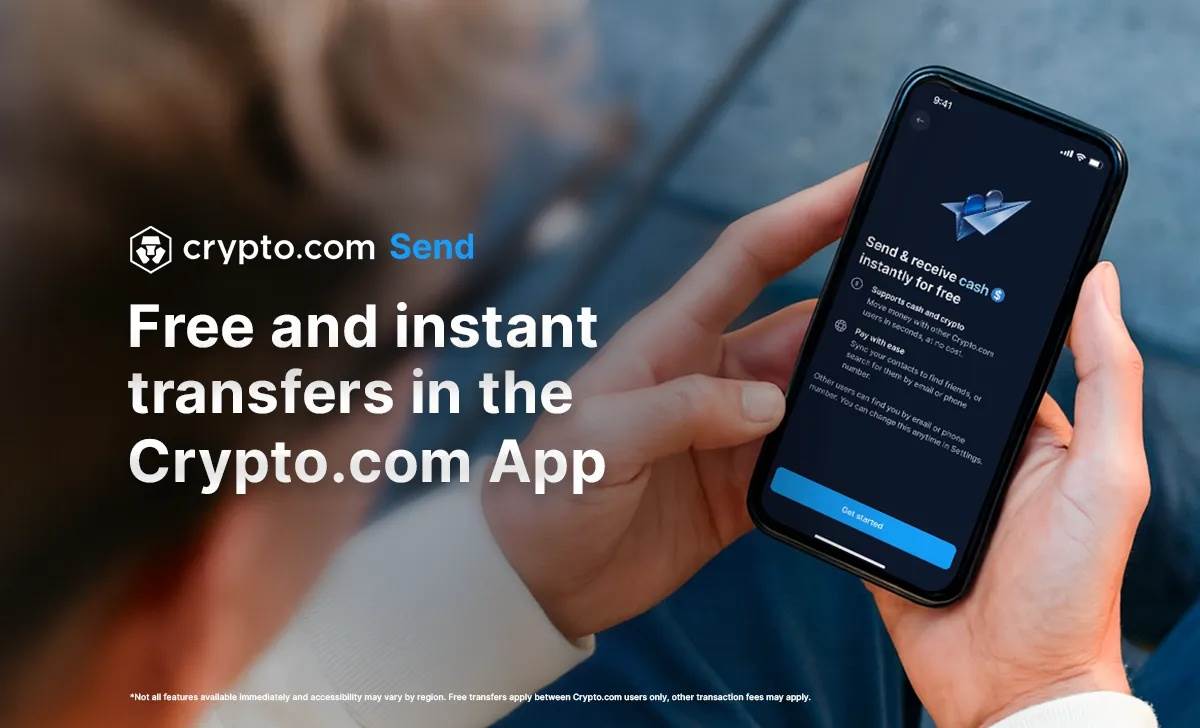
As encrypted payments become more and more integrated into our daily lives, Crypto.com continues to innovate. The newly introduced “Send” feature allows users to transfer coins to friends simply by sending messages—no matter where the recipient is located, the transfer is immediate and completely free. This update not only improves the existing “Pay a Friend” function but also marks the transition of cryptocurrencies from investment tools to real-world, global payment solutions. In an era where liquidity and convenience are paramount, Crypto.com’s move is undoubtedly a crucial step toward becoming the standard for next-generation encrypted payments.
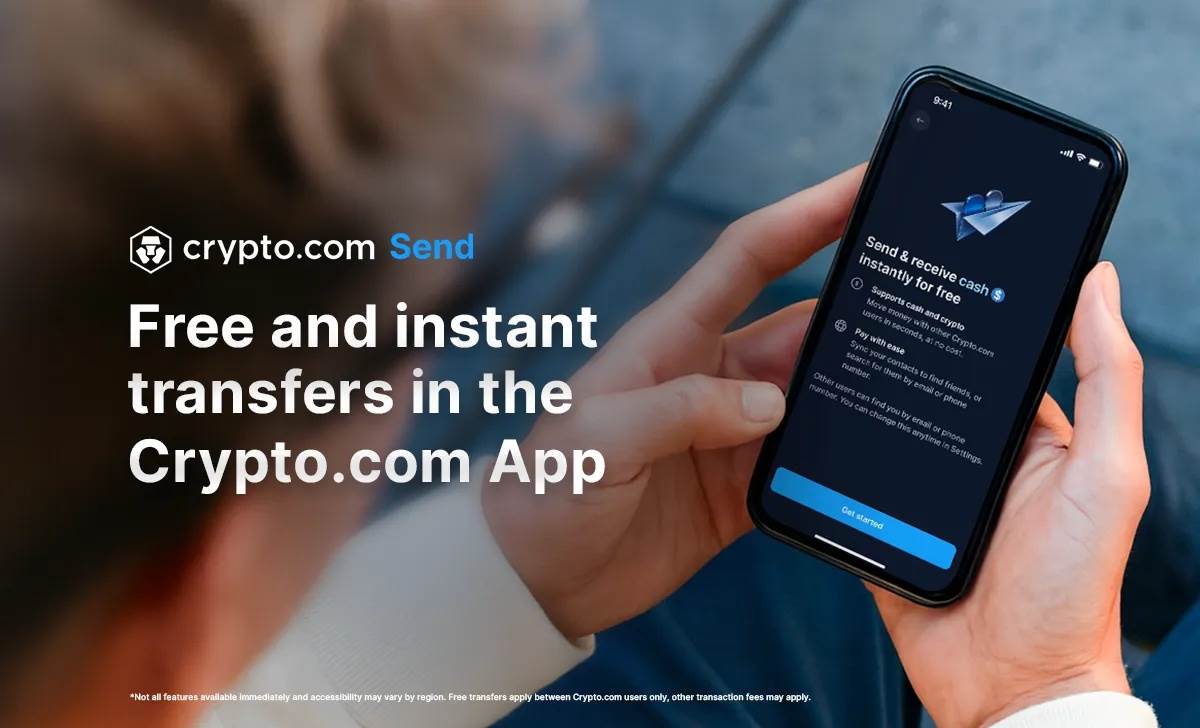
We’re thrilled to introduce “Send” – a thoroughly redesigned version of the “Pay a Friend” function in the Crypto.com app. Now you can transfer coins or cash to anyone in the world* for free.
With “Send”, you can transfer cryptocurrencies and cash between friends in just a few simple steps. All you need to do is sync your contacts, scan their QR codes, or enter the recipient’s email address or phone number, then click “Send”.
How it works
1. On the main screen of the Crypto.com app, click “Send” to start.
2. Contact your friends using one of the following methods:
3. Sync your contacts.
4. Scan their QR codes.
5. Search by email or phone number.
6. Choose the currency or cryptocurrency you want to send.
7. Enter the amount you wish to send and confirm the transfer.
Related questions
What is sending?
Sending is a feature in the Crypto.com App, allowing you to make instant transfers. With this feature, you can:
● Transfer cryptocurrencies and cash quickly and seamlessly: Send cryptocurrencies for free to anywhere in the world, or send cash within specific regions
● Easily find friends: Sync your contacts with others, or search globally to connect with people
● Transfer funds to other Crypto.com users at any time: Access this feature directly from the Crypto.com App’s main screen
Who can use Send?
Users of the Crypto.com App can use the “Send” function. Note that the availability of currencies varies across different jurisdictions.
Which currencies are supported?
Send supports over 300 cryptocurrencies. The following legal currencies are supported for domestic cash transfers: ● BRL Brazilian Real
● CAD Computer-Aided Design
● EUR Euro
● GBP British Pound
● USD (Select countries) United States Dollar (select countries)
The following jurisdictions do not currently offer cash transfer services:
● Australia (Australian Dollar)
● Singapore (Singapore Dollar, US Dollar)
● United Arab Emirates (AED, USD)
● United States (US Dollar)
In the United States:
The following states do not offer cryptocurrency transfers: New York State
How to use the “Send” function to transfer cryptocurrencies or cash?
Please follow these steps to make a transfer:
1. On the main screen of the Crypto.com app, click on “Send”.
2. Select the recipient you want to send the money to (for more details, see the section “How to find the recipient to whom you want to send money?”).
3. Choose the cryptocurrency or fiat currency you wish to send.
4. Enter the amount you wish to send.
5. Review and confirm the transfer.
If the recipient meets the requirements, your transfer will be processed immediately. For more information, see “Why can’t I transfer money to other Crypto.com app users or cryptocurrencies?”
You can also access the Send function in the following ways:
● Go to the “Payments & Send” menu.
● Click to send from your cash account.
● Go to your crypto wallet > Transfers > Withdrawals > Withdraw to Crypto.com users.
1. On the main screen of the Crypto.com app, click on “Send”. Select your contact or search for recipients.
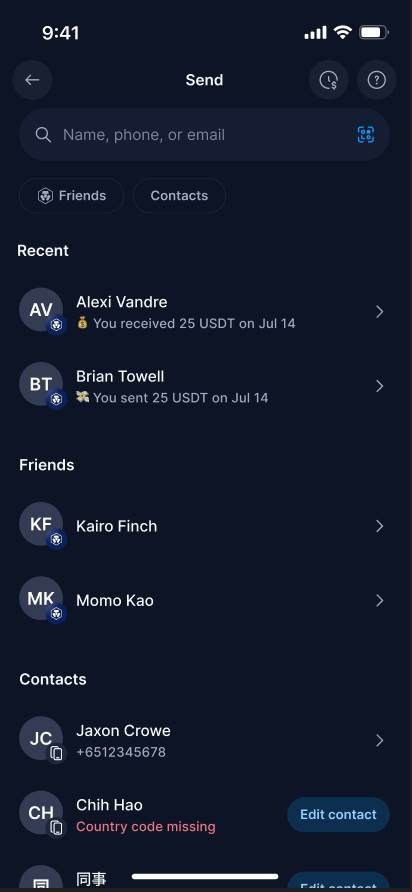
2. Choose the cryptocurrency or fiat currency you want to send, and enter the amount.
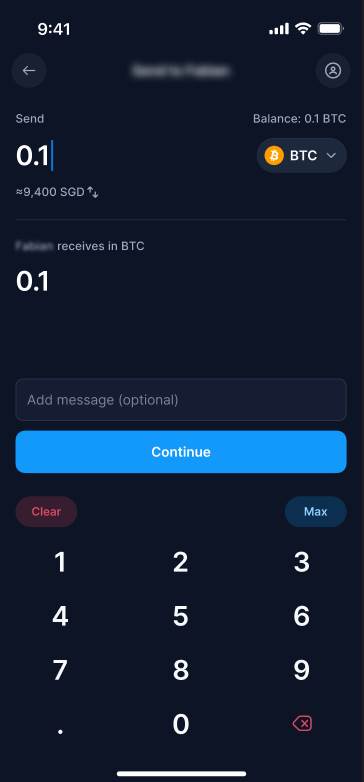
3. Review and confirm the transfer.
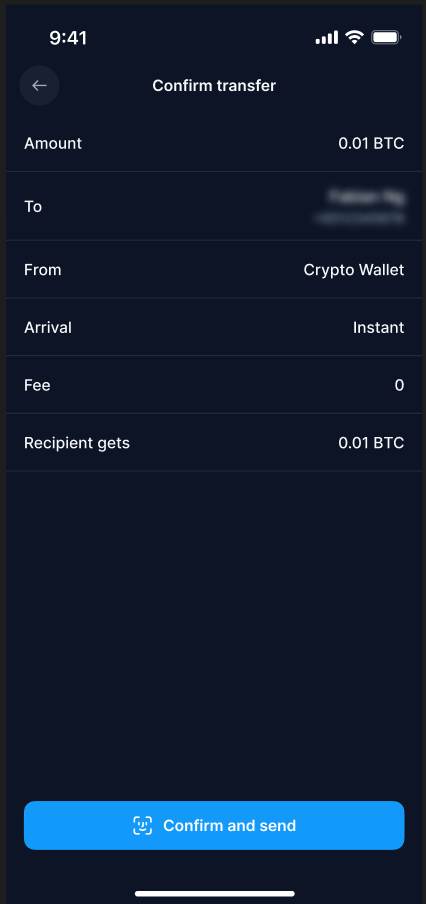
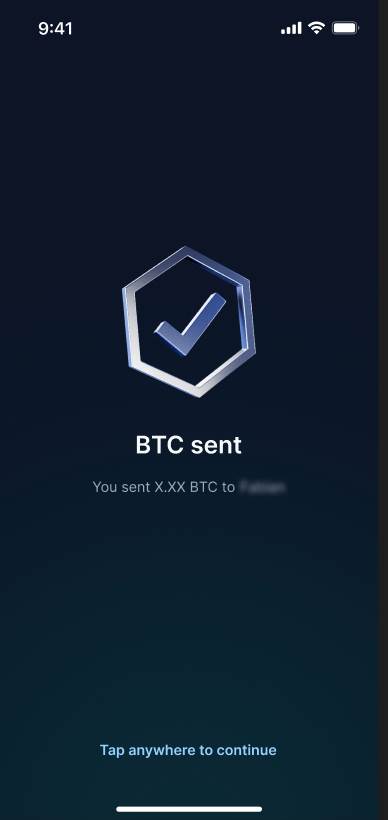
4. If the recipient meets the requirements, your transfer will be completed immediately.
Can I transfer funds to users who are not members of the Crypto.com App?
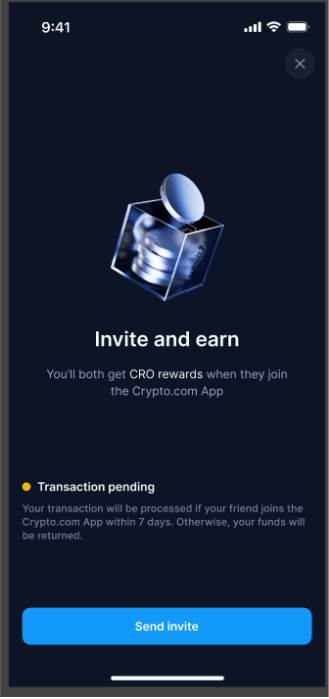
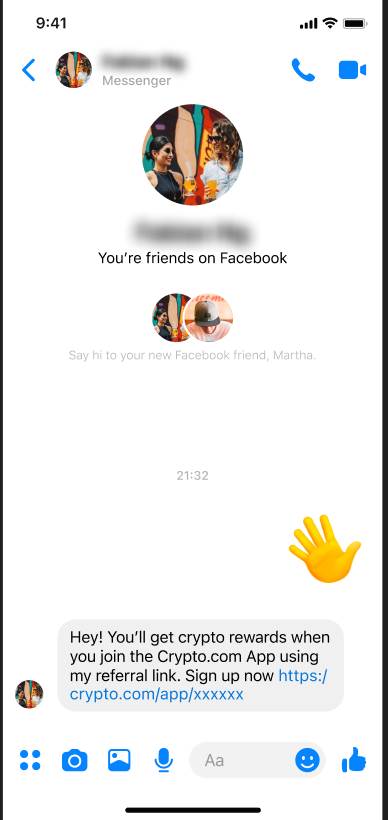
To transfer cryptocurrency to users who haven’t yet registered on the Crypto.com App, simply invite them to sign up. After creating an account, they will be able to receive the cryptocurrency.
Please follow these steps to invite them:
1. On the main screen of the Crypto.com App, click “Send”.
2. Search for or select the contact information you want to send the funds to.
3. Choose the cryptocurrency you wish to send.
4. Enter the amount you wish to send.
5. Review and confirm the transfer.
6. Share your referral link to invite the recipient to register for the Crypto.com App.
The transfer will remain valid for up to seven days, allowing the recipient time to register and receive the funds. If the recipient does not receive the funds within this period, the transfer will be canceled, and the money will be returned to you. Depending on the jurisdiction in which you reside, both you and the recipient may receive referral bonuses.
How can I receive the transferred funds?
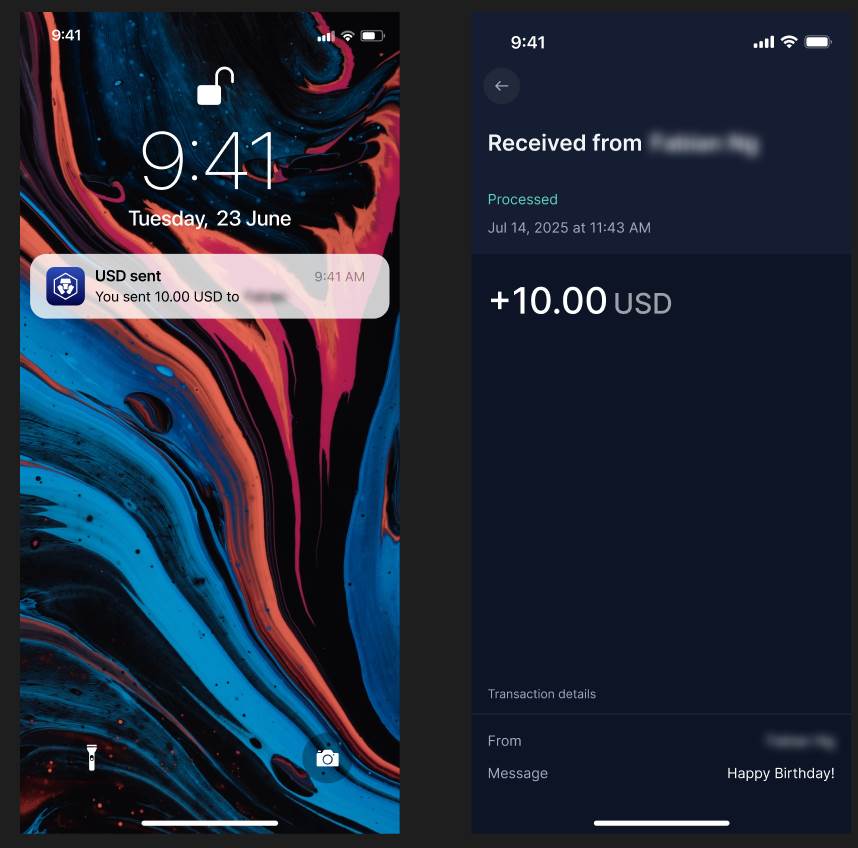
When another user of the Crypto.com App sends you cash or cryptocurrency, you will receive a notification, and the funds will be immediately deposited into your cryptocurrency wallet or cash account.
You can find details about the transfer in your transaction history. To view your transaction history, click on the “Clock” icon in the upper right corner of the “Send” screen.
Important notes regarding cash transfers
● Free cash transfer services are currently available only to users of the Crypto.com app who use the same currency and have verified their accounts.
● Stay tuned for more currency and transfer options that we will introduce in the future.